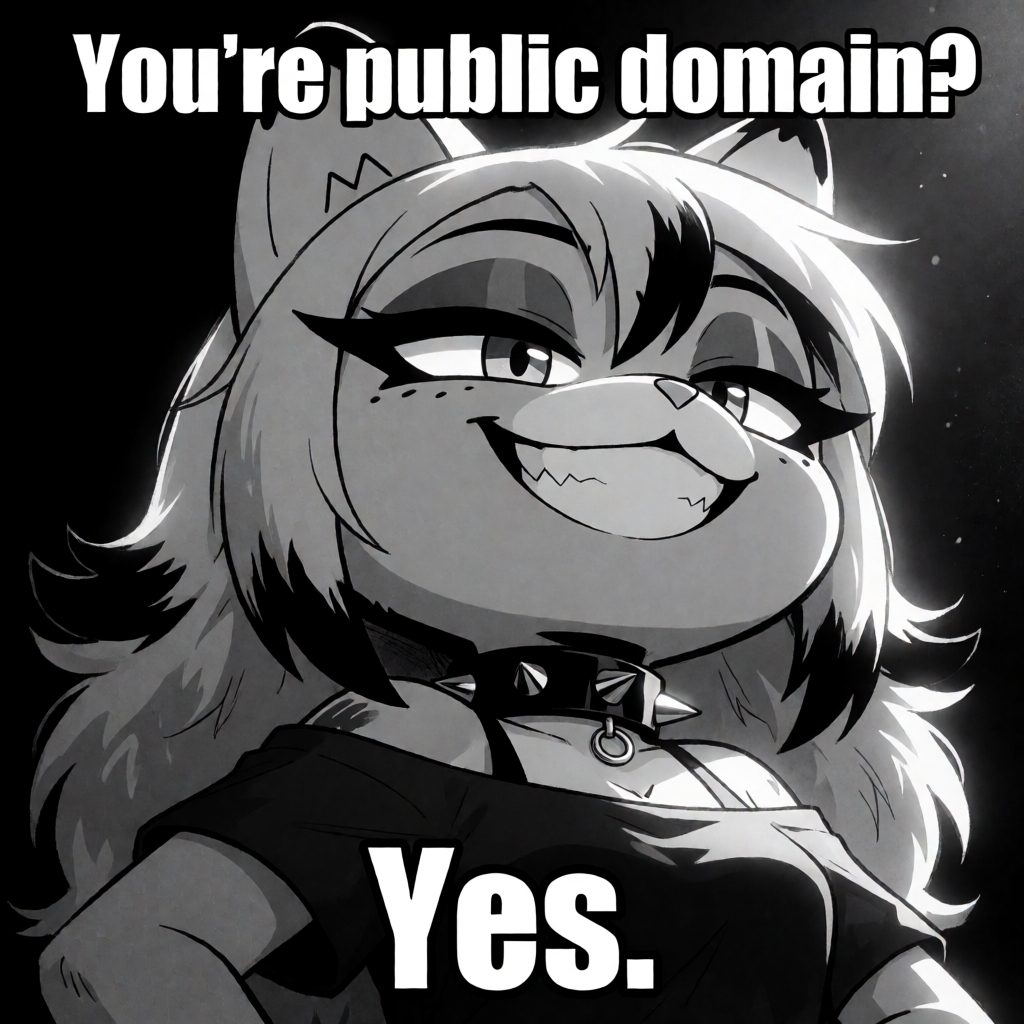
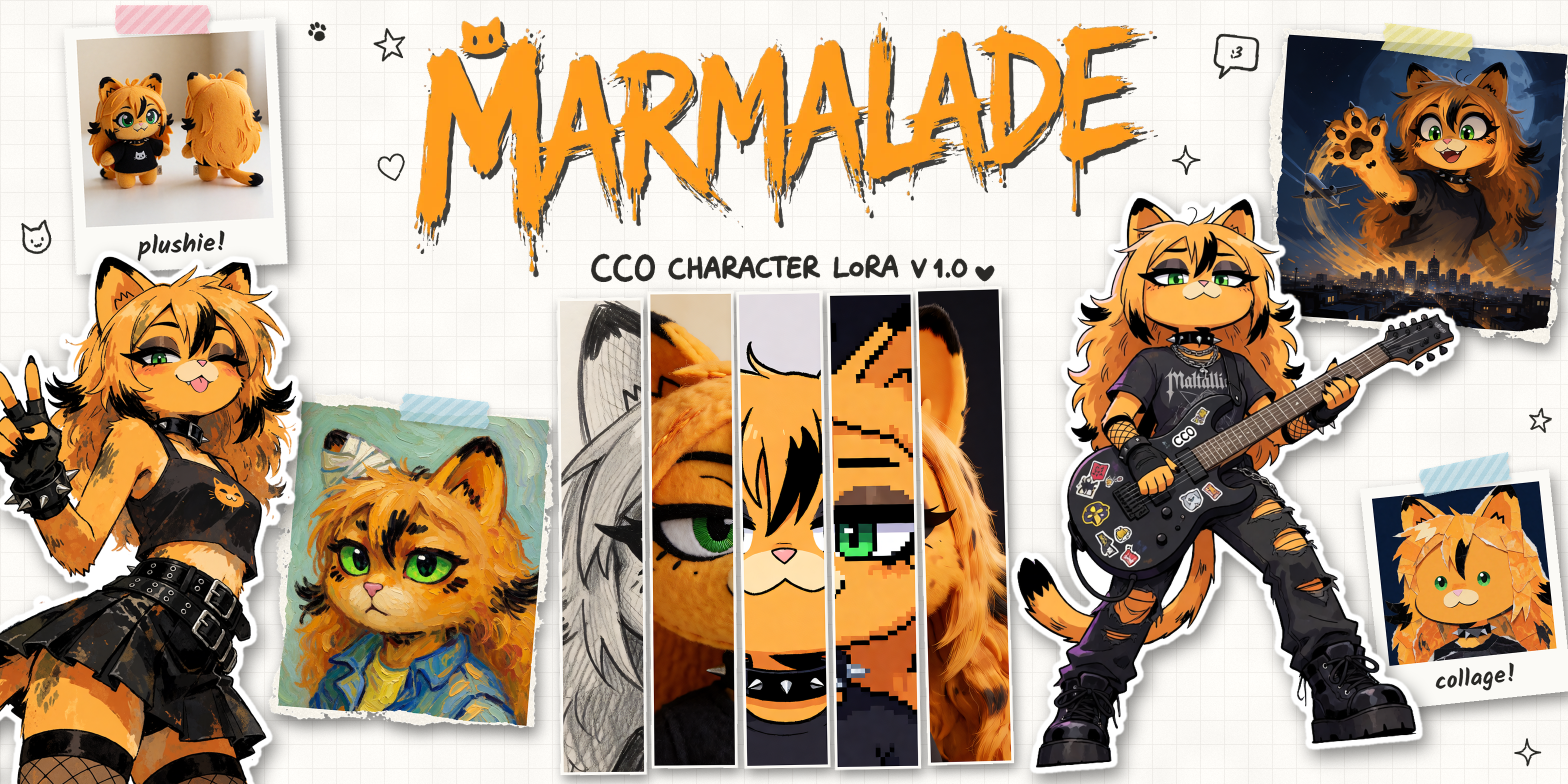
I finally trained a LoRA of Marmalade!!! It’s for Krea 2, and you can grab it from marmalade.you.
Why
Marmalade is CC0 (public domain), so she’s supposed to be everyone’s. I wanted to make sure that anyone can make new images of her, as easily as possible, and this is the result (well, that, plus I wanted to be able to generate new images of her myself). I don’t want to be the only person who can make Mal easily.
The images
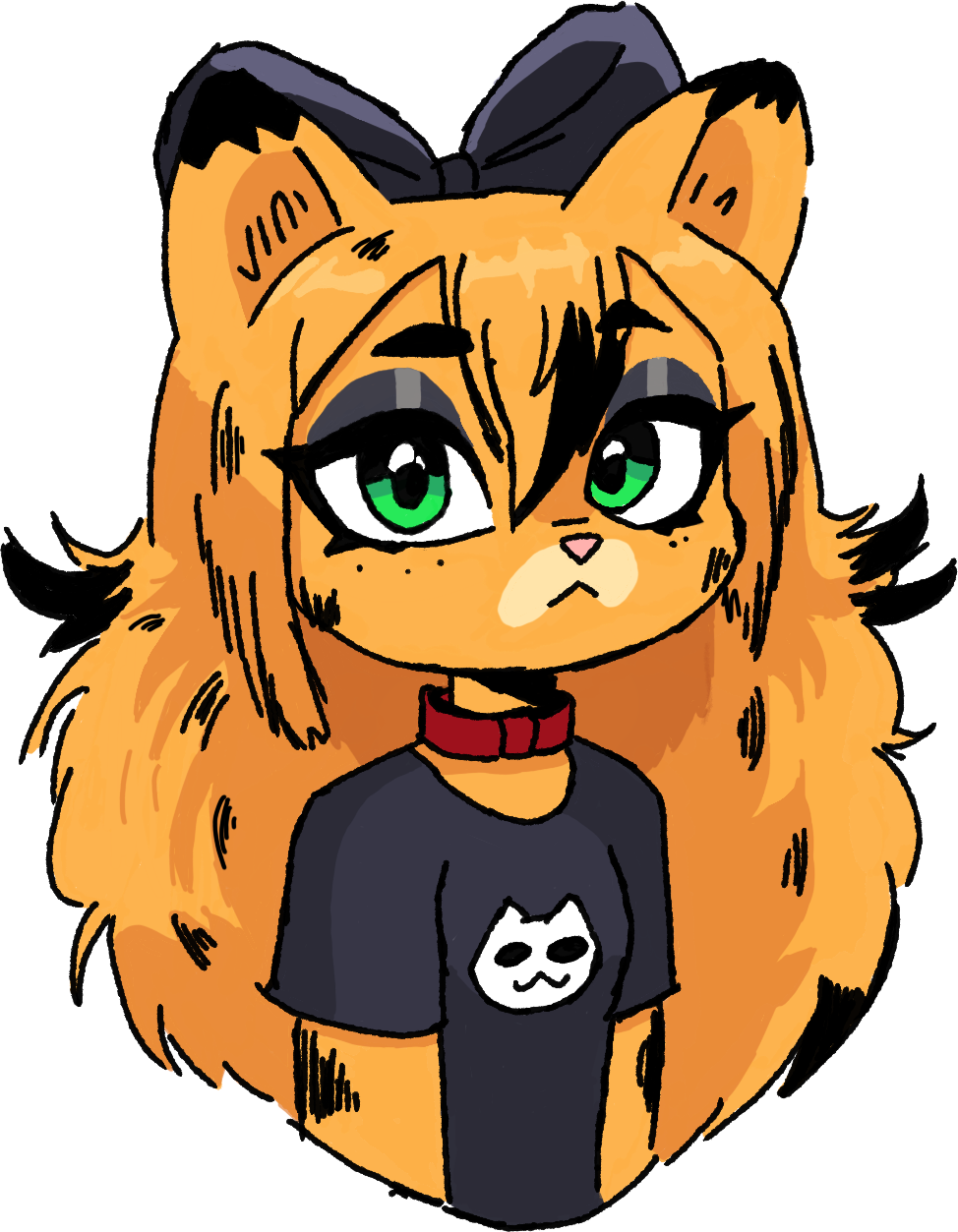
I trained it on 19 images. 15 of them are my own drawings, the ones on marmalade.you. For the other 4, I gave ChatGPT one of my drawings as a reference and had it render her in a different way, which gave me a bit more variety than my drawings alone.
Looking back, this is the part I’d change the most. A lot of my drawings are quite similar, and some of them are the tiny chibi stickers (examples below), so the dataset was kinda narrow. Although, even so, Krea 2 really somehow managed to pull through.
Next time I want way more different references. And the fun part is, now I can use this LoRA to make them. Generate a bunch, pick the best ones, train v2 on those, then use v2 to make even better ones for v3. Recursive self-improvement, but for a catgirl. The singularity starts with Mal (imagine).
Captioning
Every image gets a caption, and every caption starts with the trigger phrase, “Marmalade the catgirl”. After that I described the image. Here are three of mine:
marmalade the catgirl in a chibi sticker style, looking up, standing with a wide-eyed surprised expression wearing a black t-shirt with a white cat face logo, against a plain white background, featuring clean digital illustration and bold outlines.
marmalade the catgirl in a full body chibi sticker shot, standing with arms raised and an excited expression, wearing a black t-shirt with a white cat face logo and a red collar, against a white background with orange sparkles, clean bold digital illustration.
marmalade the catgirl in a close-up portrait with a neutral expression, wearing a black t-shirt with a white cat face logo and a red collar, against a plain white background in a clean digital illustration style.
And this is what they look like in AI Toolkit, image and caption side by side:
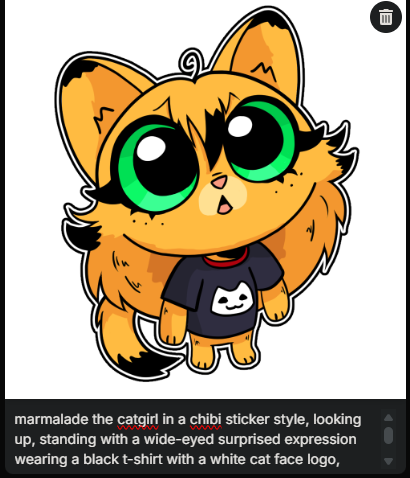
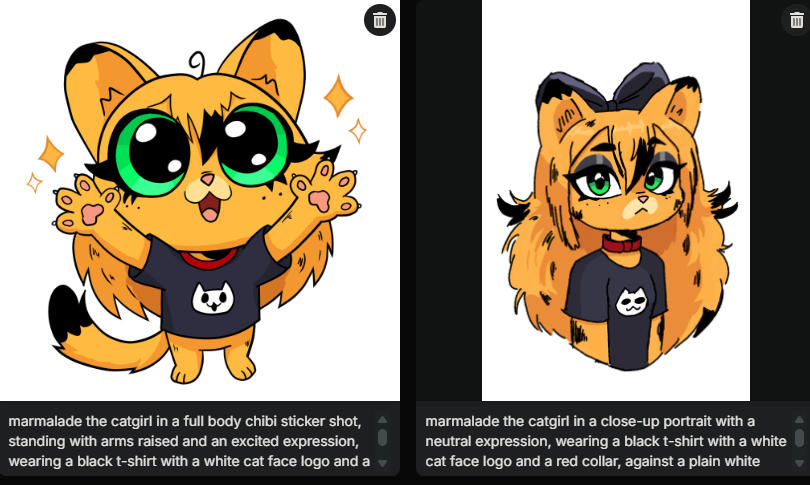
The way I understand it, the trigger phrase works like a sponge. During training the model tries to figure out what “Marmalade the catgirl” means, and anything in the image that you didn’t describe in the rest of the caption gets soaked up into it. So I never mention her orange hair, the black tips or her green eyes, and the model goes “ok, that’s just what Mal looks like”. The things I did describe, like the style, the pose, the background and even the t-shirt, stay separate, so you can change them in your prompt. That’s why she can wear other outfits pretty easily even though she wears the same shirt in almost every training image.
Some people train without a trigger phrase at all, but I like having one. It makes it really clear when you want her and when you don’t.
Training
I used Ostris’ AI Toolkit on my RTX 4090. It took about two and a half hours for all 3000 steps, around 3 seconds per step. I trained on Krea 2 Raw, which is the version meant for training, and then I use the LoRA on Krea 2 Turbo.
My settings were mostly the defaults: LoRA rank 32, learning rate 0.0001, 3000 steps, and a checkpoint saved every 250 steps. The full config file is on the LoRA page if you want to copy it.
Checkpoints
This was the most interesting part for me. It learned her really fast, by 1500 steps it was already good. I let it go all the way to 3000, but by then it felt a bit too cooked.
AI Toolkit makes a preview image every 500 steps, always with the same prompt: “Marmalade the catgirl as a chibi sticker, with huge heart eyes and hands on her face, looking towards the viewer in love”. Here’s how she changed over the whole run:

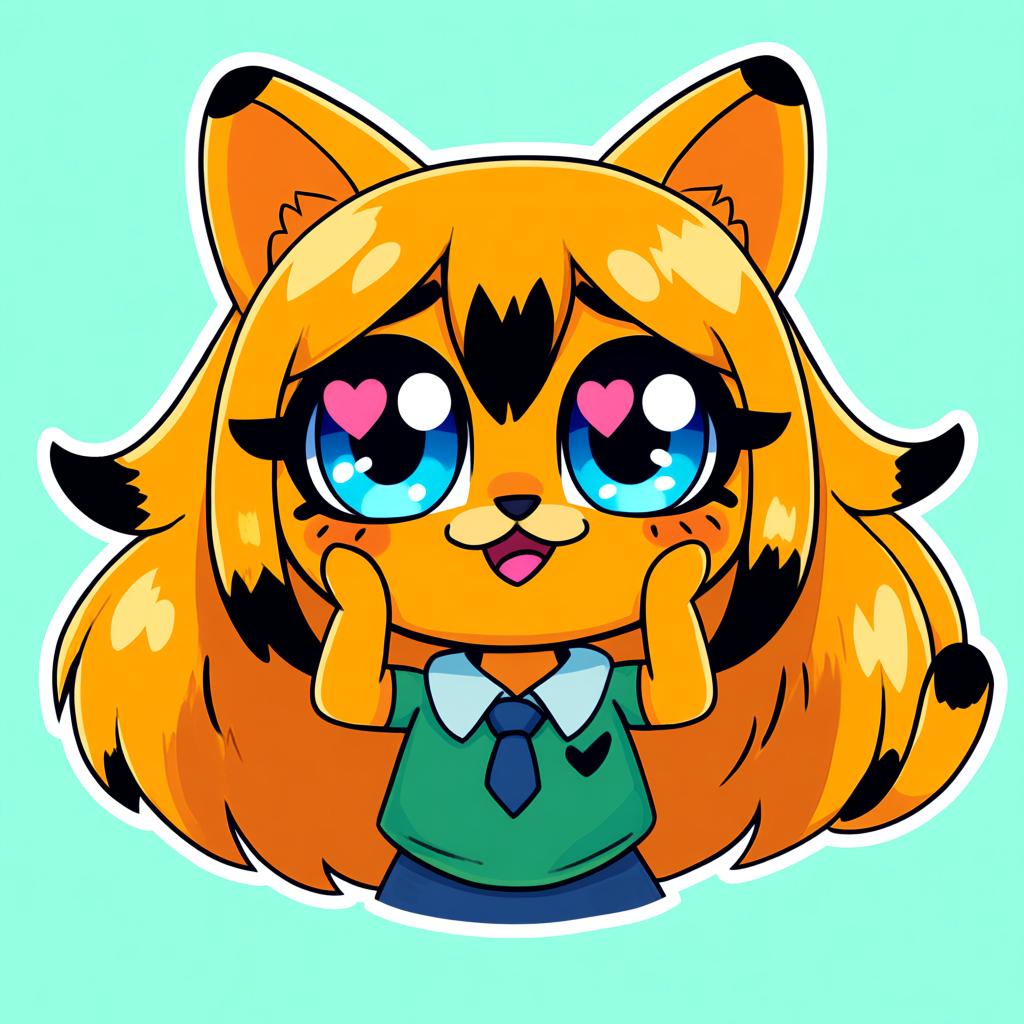
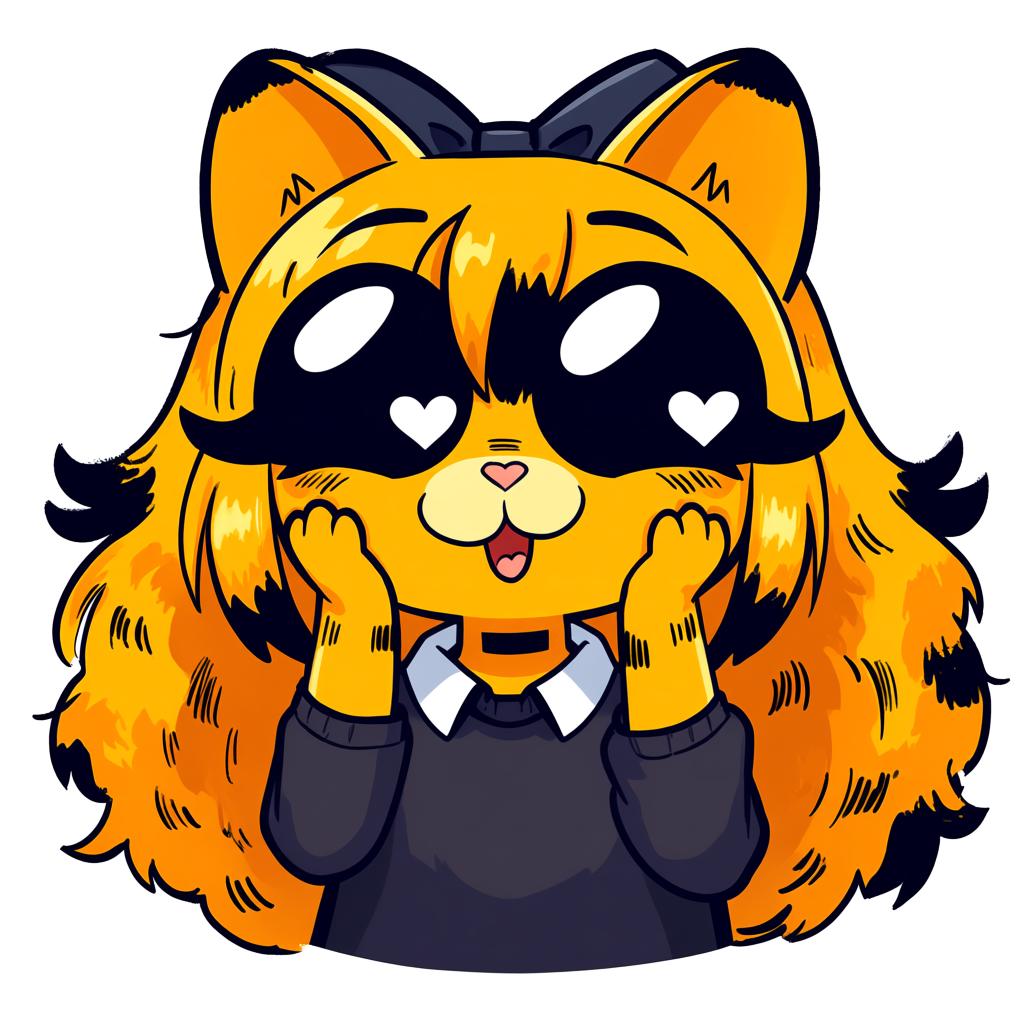
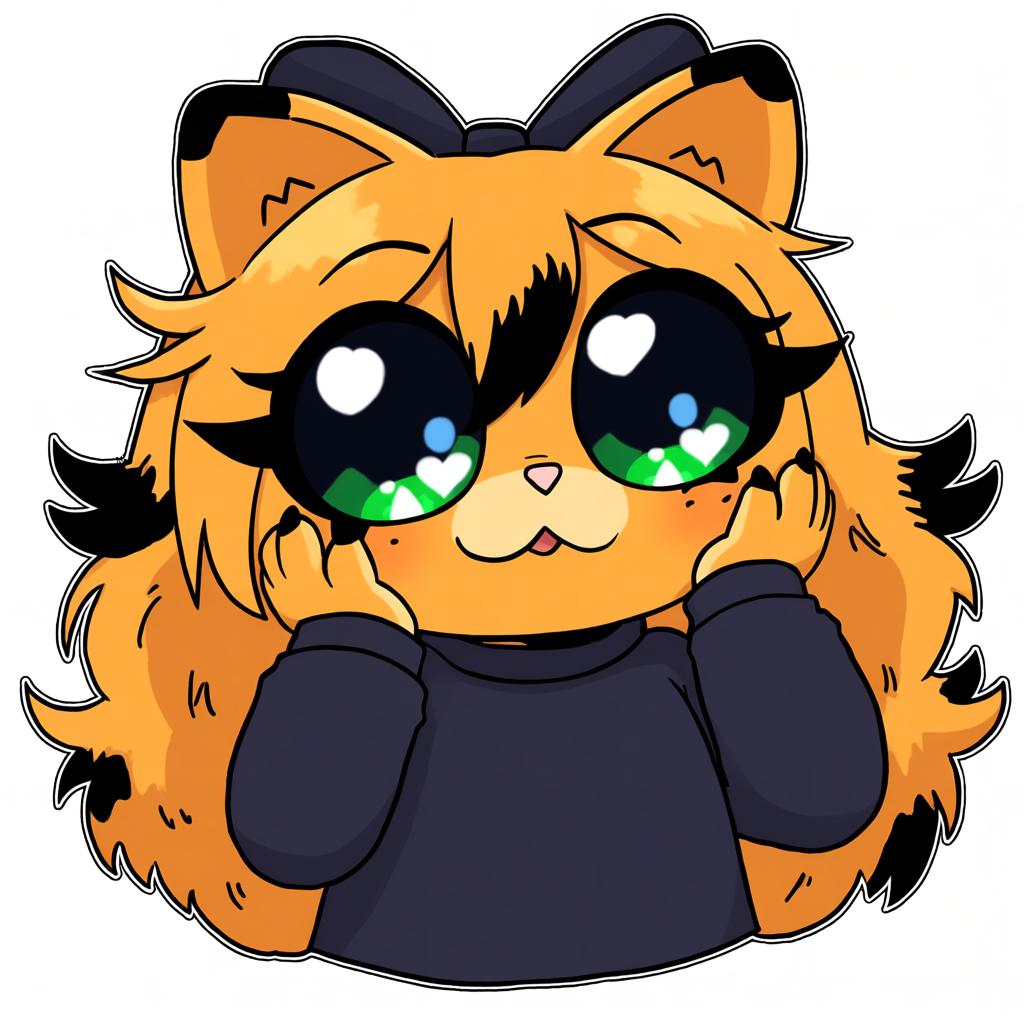

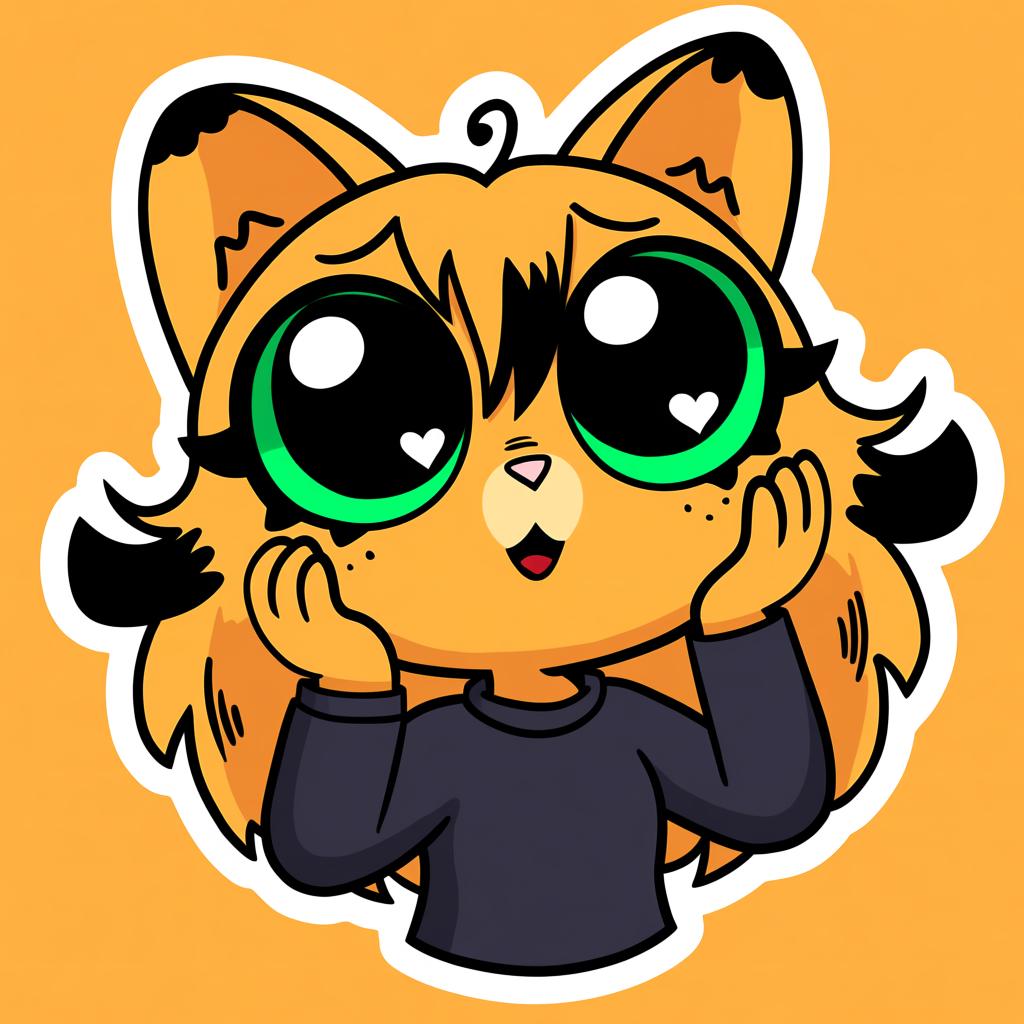
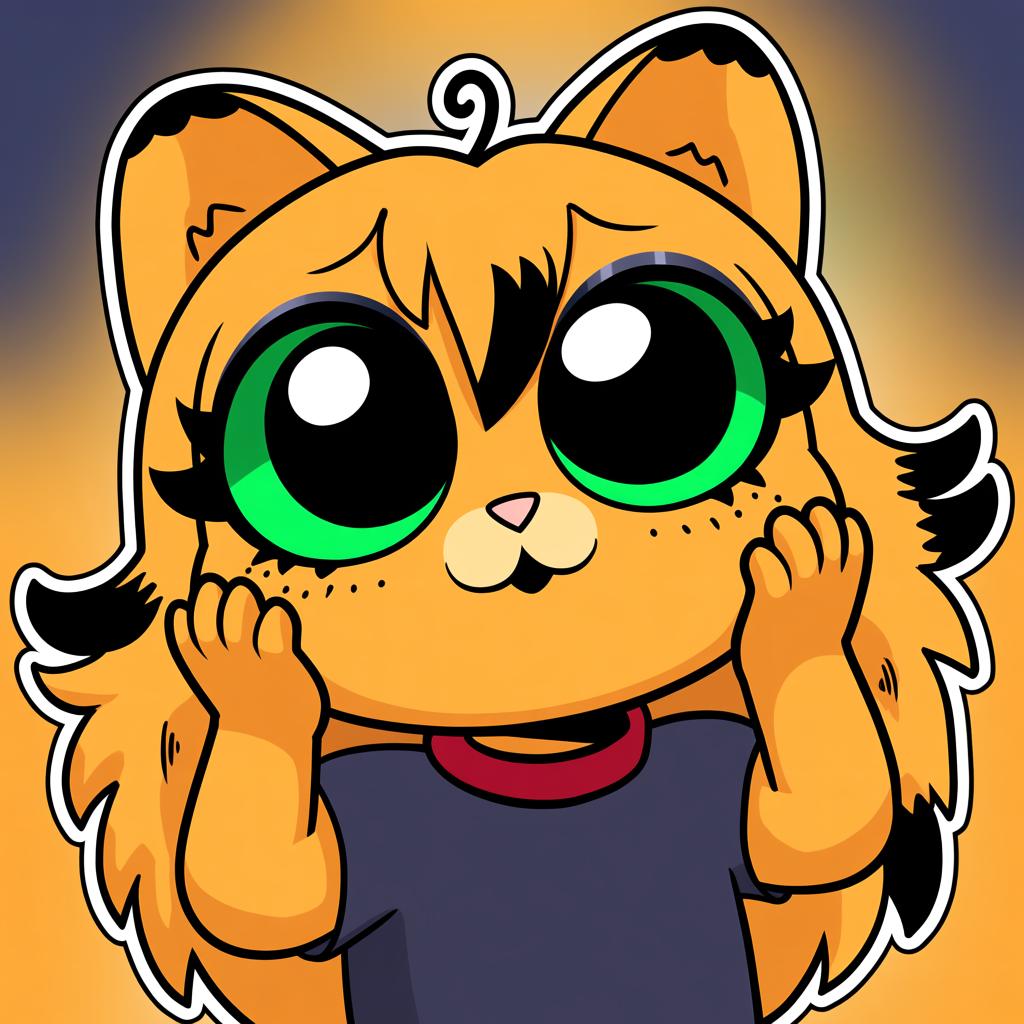
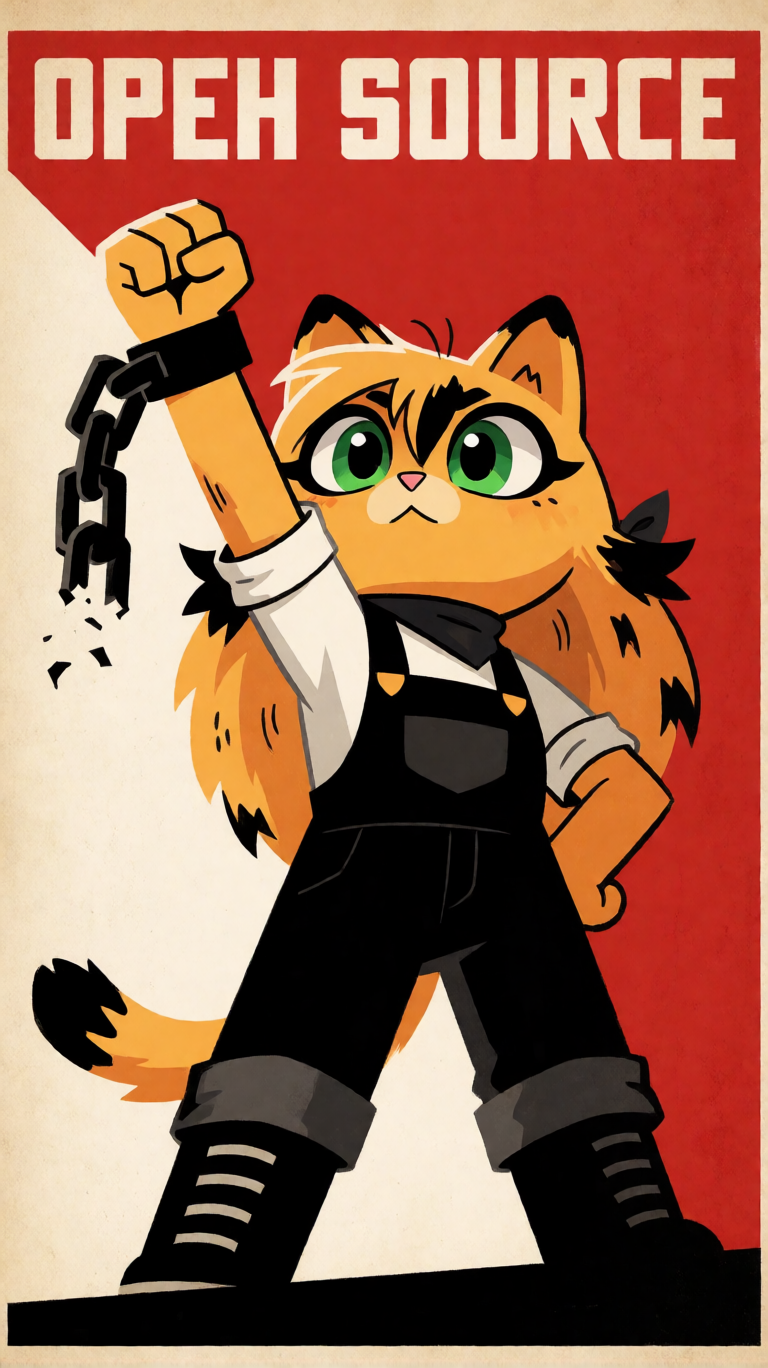
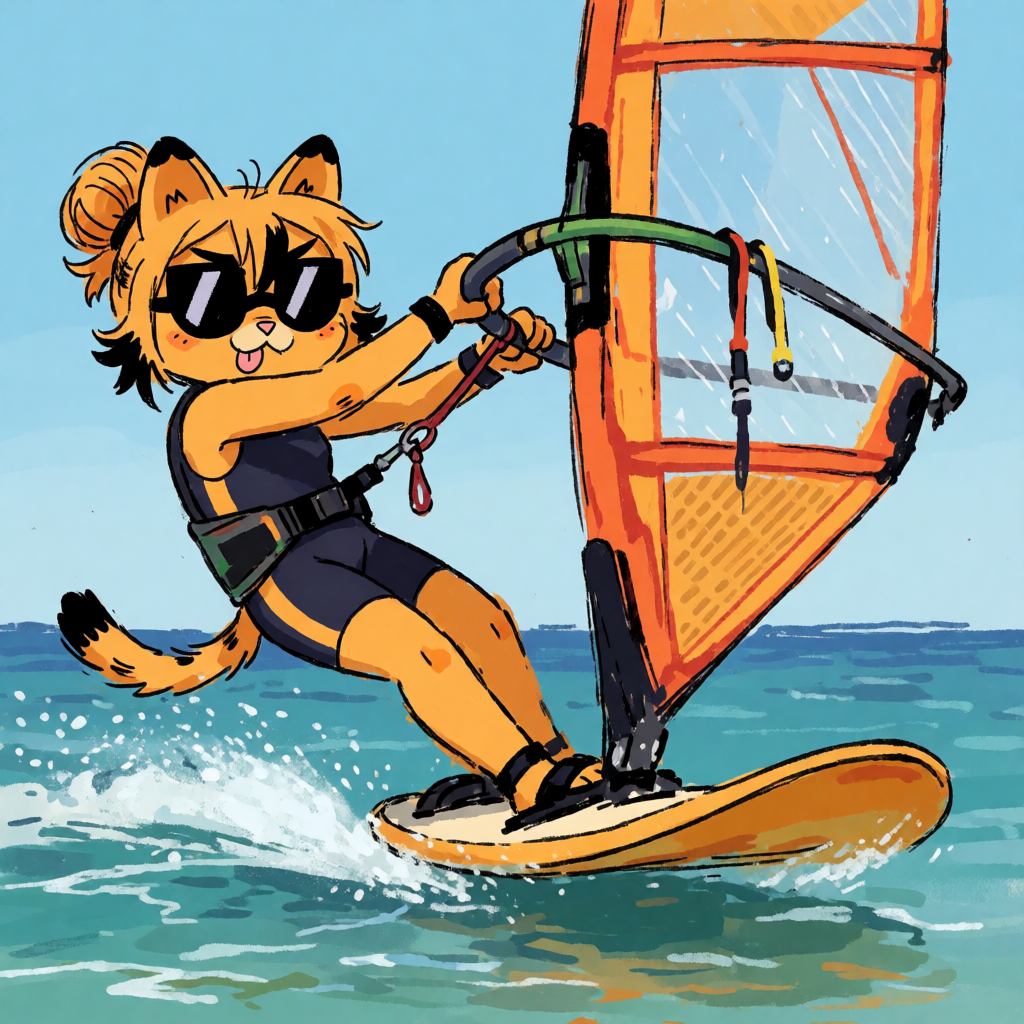
The funny thing is, the previews after 1500 actually look nicer. But the preview prompt is basically one of my training images (a chibi sticker with big eyes), so of course the later checkpoints nail it, they’ve had more time to memorise that exact kind of picture. Where 1500 wins is everything else, like windsurfing or a propaganda poster, the stuff that isn’t in the training data at all.
Comparing the checkpoints was fun too. You could kinda see different training images taking over at different points. In one checkpoint she’d look a bit more like one specific drawing, in another she’d be a bit more chibi, like the tiny stickers. After testing a bunch of them, 1500 is the one I’m happiest with, so that’s the one I released.
What went wrong
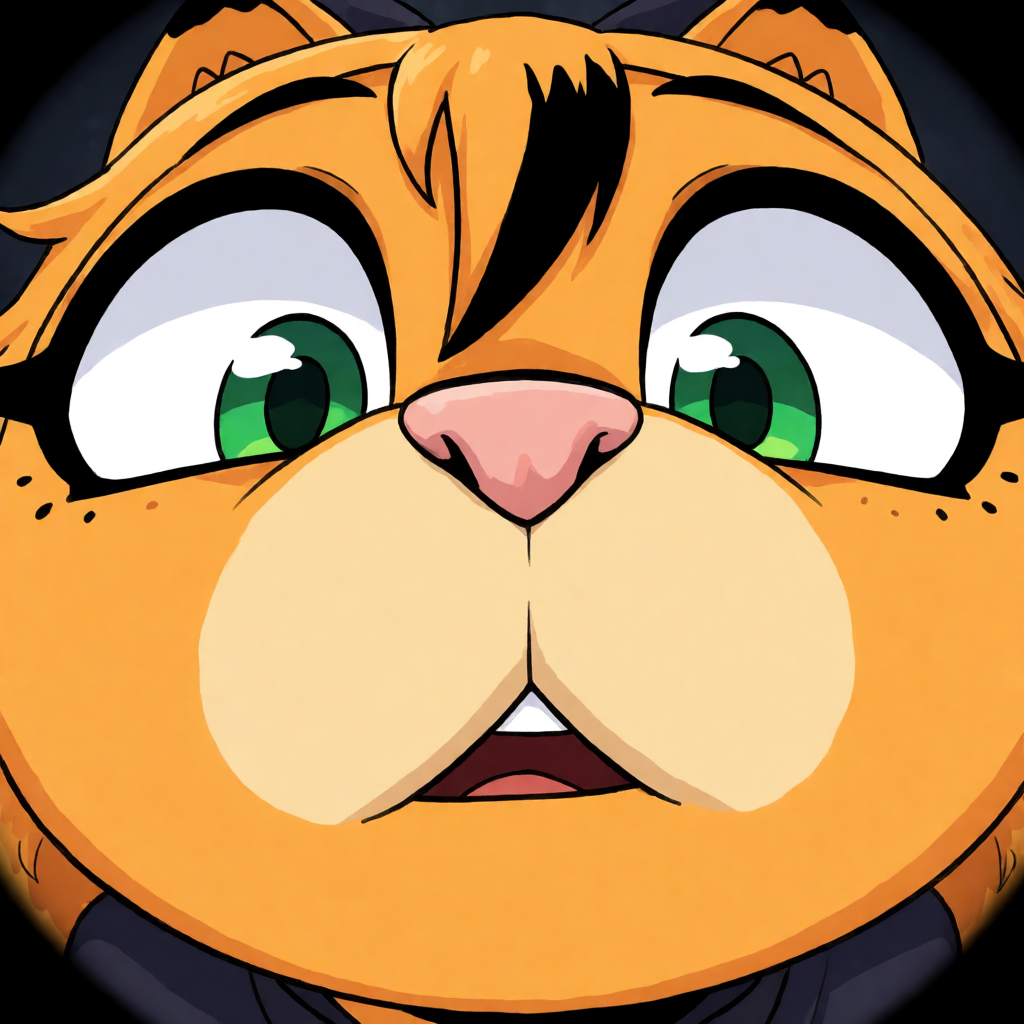
The eyes. Some of my training images have HUGE green eyes because the tiny chibi one has them, so the LoRA sometimes makes her whole eye green, sclera included. You can fix it by asking for normal eyes in the prompt, but it’s definitely something to sort out in v2.
How to use it
- Download the LoRA from marmalade.you.
- Load it with any LoRA loader in ComfyUI (or whatever you use, it should work the same).
- Put “Marmalade the catgirl” somewhere in your prompt.
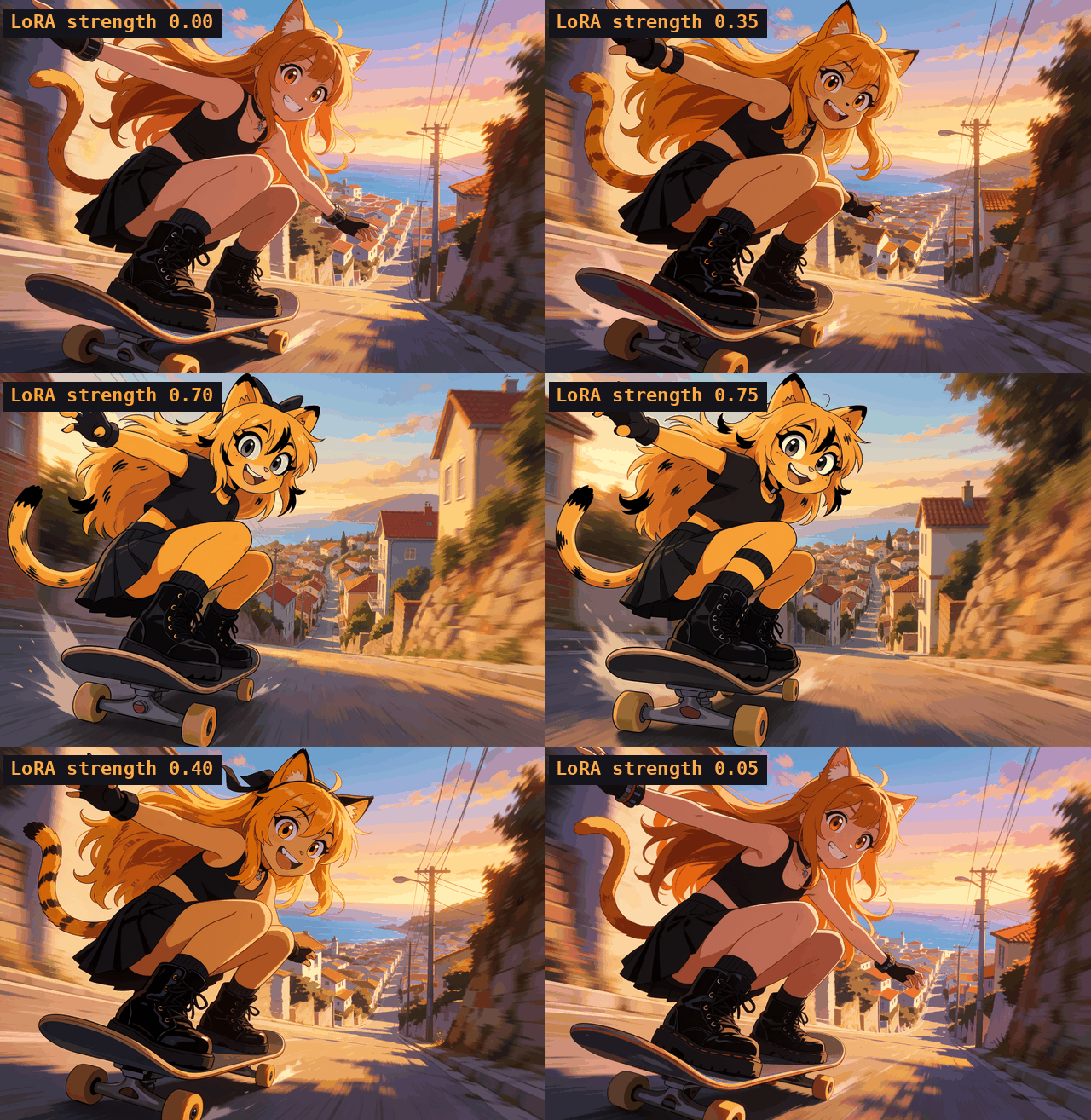
I use it on Krea 2 Turbo at 0.9 strength. The example images on the LoRA page have their whole ComfyUI workflow saved inside them, so you can drag one into ComfyUI and it’ll load everything for you.
Here’s what the strength actually does. Done with the same prompt and same seed, going from 0 (no LoRA at all) up to 0.9, you can really see her just pop up at some point:
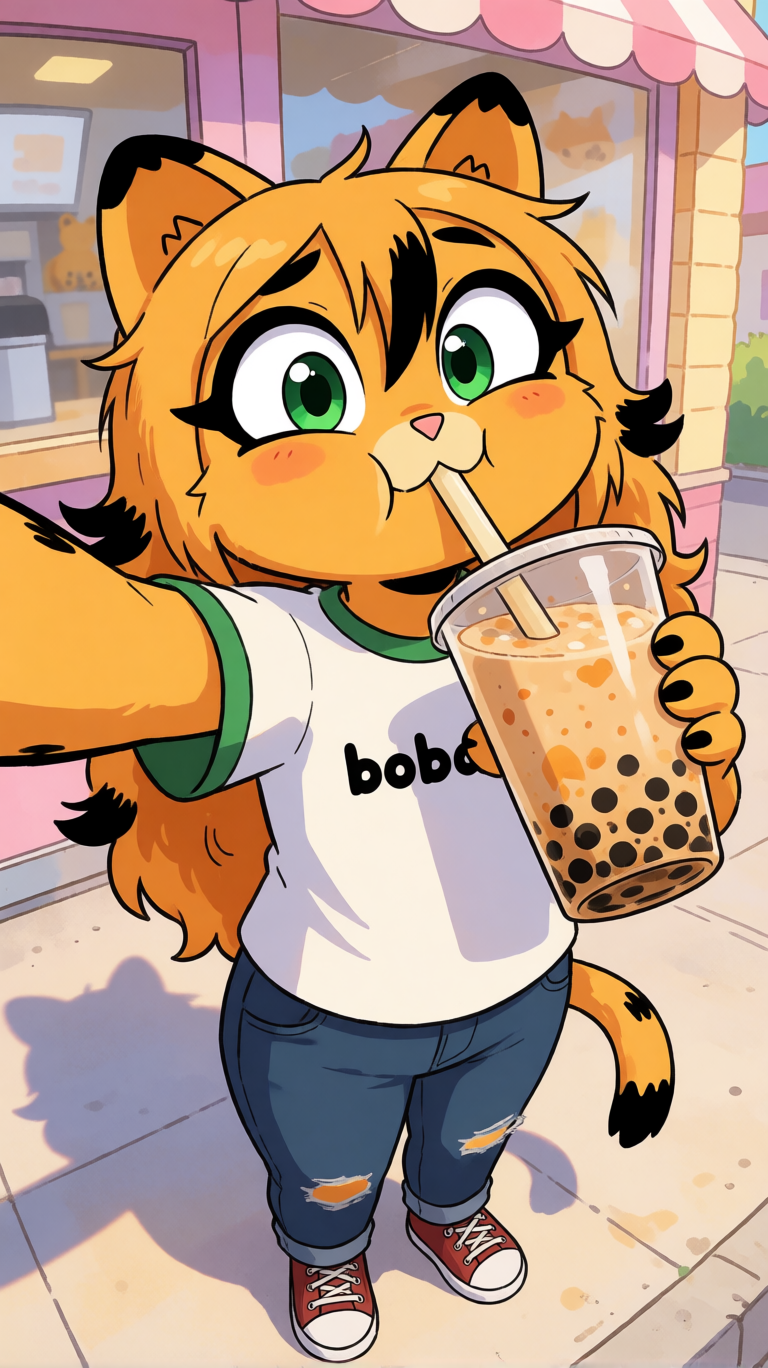
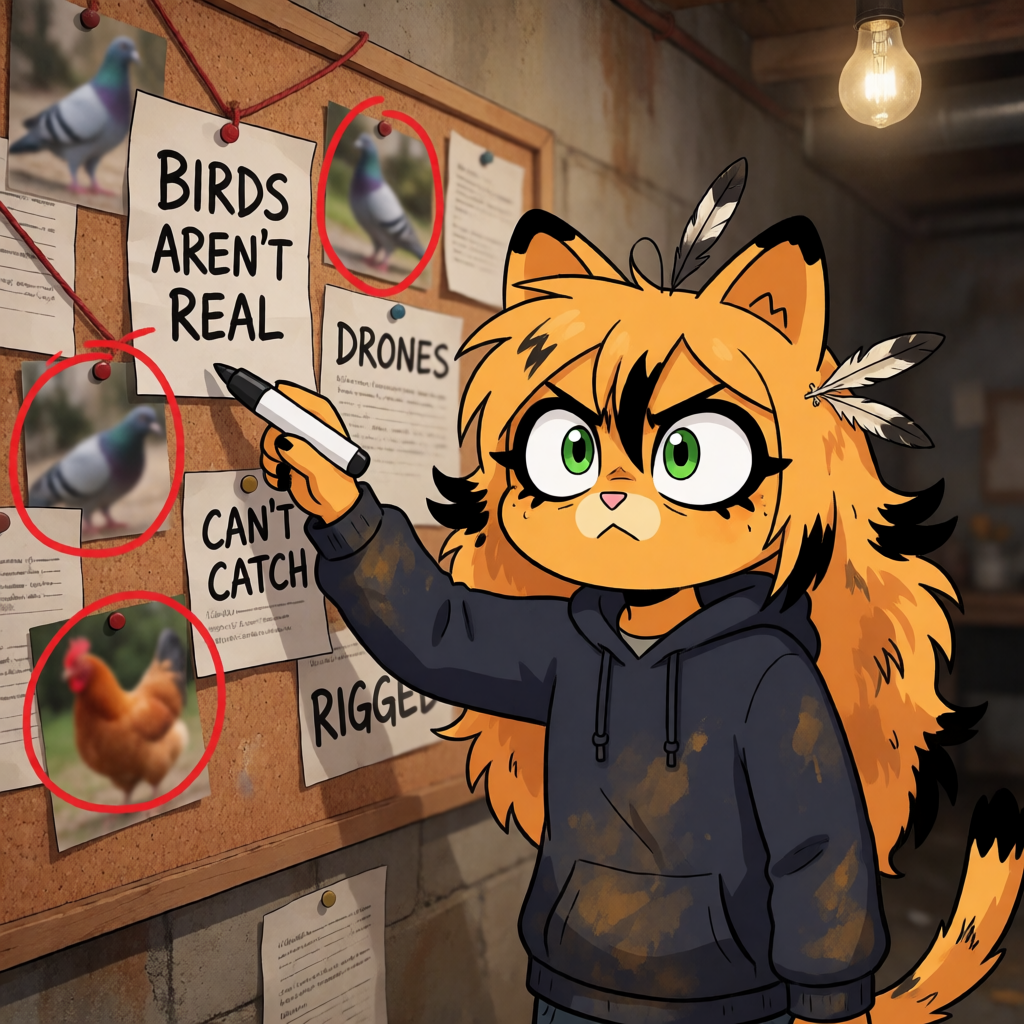
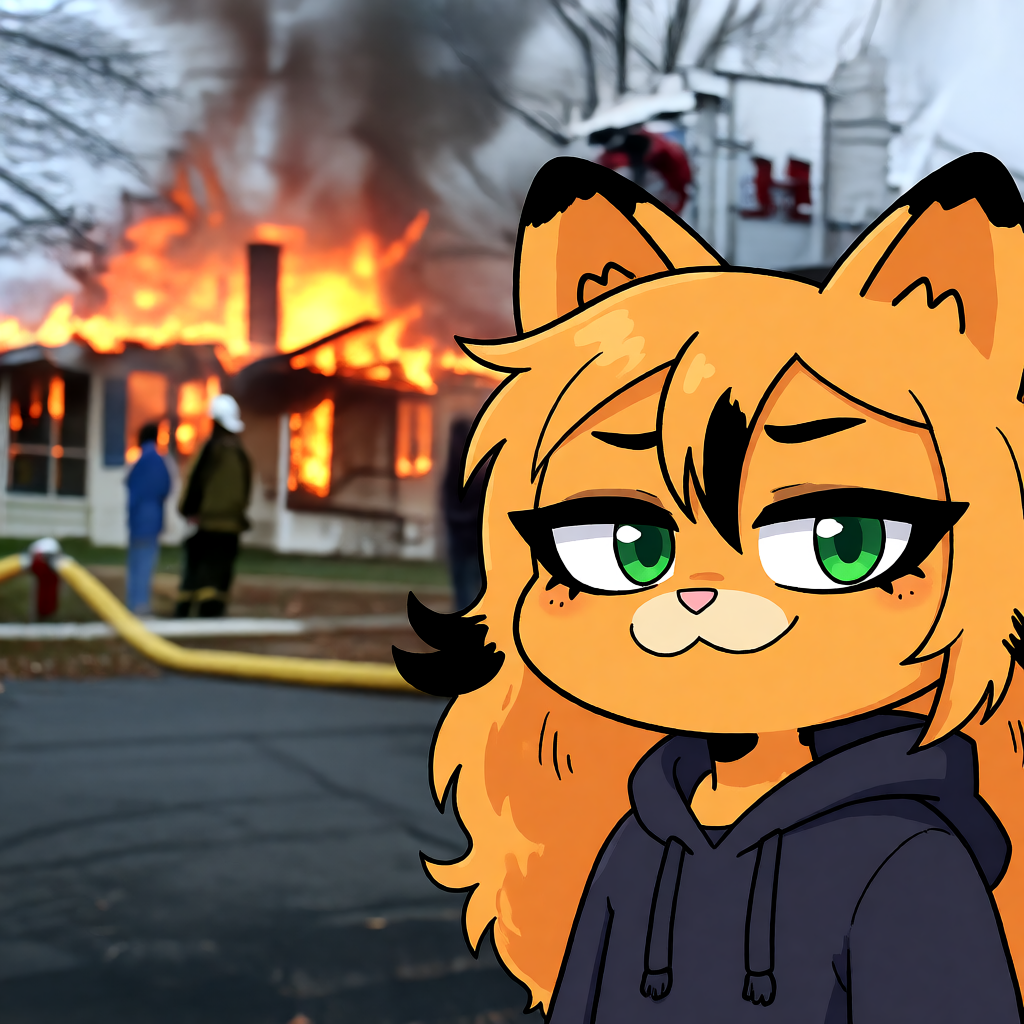
Here’s some of what it can do:
One thing about the licence. I wanted it to be CC0 like everything else, but the LoRA has to follow the Krea 2 Community License. Sadly, it is how it is. For more info do check out the Marmalade LoRA page. I don’t think anyone would care about the licence anyway.
Go make stuff
I was honestly surprised how well it turned out (amazed even), and most of that is Krea 2 being amazing. If you make something with her, send it to me and I’ll put it up on In The Wild.